
My own AI Assisted workflows
Autonomous Agents
February 28, 2026
Since my previous experiments with OpenClw my workflow has shfited more and more. Let me briefly talk you through some history on how it has evolved over the past 203 years.
Working, but with AI on the side
Back around 2023 I would often chat with an LLM (like ChatGPT or Claude) while working on my code. But the technology as not there yet to let these systems work on an actual codebase. I sometimes would often use the autocomplete tab in GitHub copilot, to be able to type faster. Or to write out the basic outline of various functions, and use the LLM-driven autocomplete to more quickly write out the logic for functions that I would still design in detail by myself.
I would use LLMs to chat about my project, and help me to more quickly spot errors, or debug bits that I had written, but when I would ask an LLM to write me some code, I would still read through it in detail by myself before dating to copy it into a production codebase.
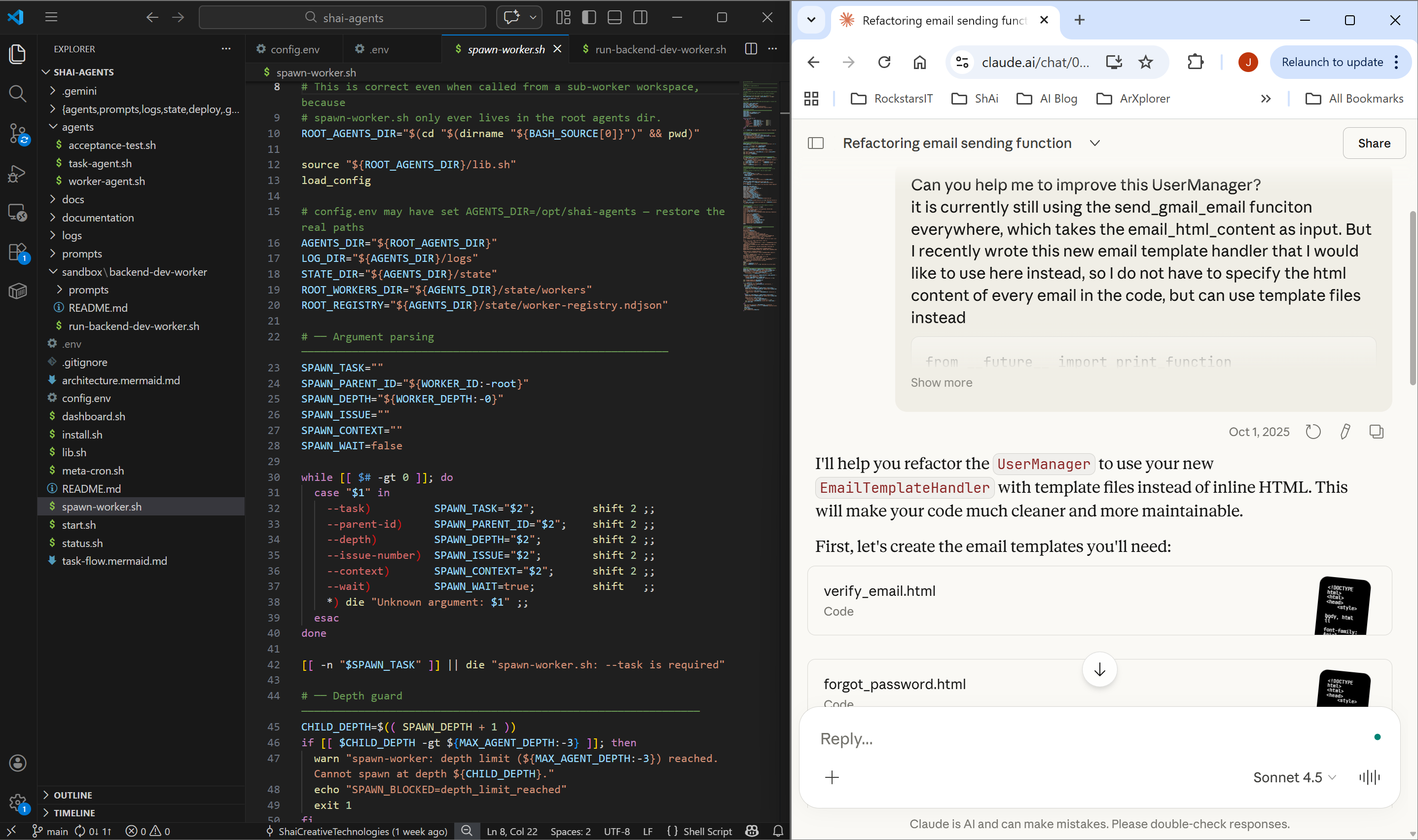
The reason for me being so careful at the time was that LLMs were not yet working so great, and had very limited context windows. I had some horrible experiences in the past, where I was using an LLM (2023) to create various simple components of an application. Sometimes this would work (creating some frontend React components), and sometimes it would make a total mess out of what had to be created. For example, when writing a bunch of CRUD functions (create, read, update, delete data), the LLM would continually switch between using all different versions of some libraries I was using, which resulted in a bunch of code that was sort of working, but not very coherently written, and requred quite a lot of debugging later on. These kind of disappointments (especially when working on moe complicated production systems) always kept me very much on my toes.
Using the IDE for everything
As LLMs became more reliable over 2024, I would more often let an LLM not only complete what I was typing, but increasingly design whole functions that I would copy into the codebase. Initially I would still read through most of its suggestions, but as the output became more and more reliable, I slowly moved more and more towards using the GitHub copilot agent, and got increasingly comfortable trusting the generated output, and using my version management to track changes, approve and test them, and focus increasingly more on what the agent should be working on, how it should approach this, and how it should be tested/validated.
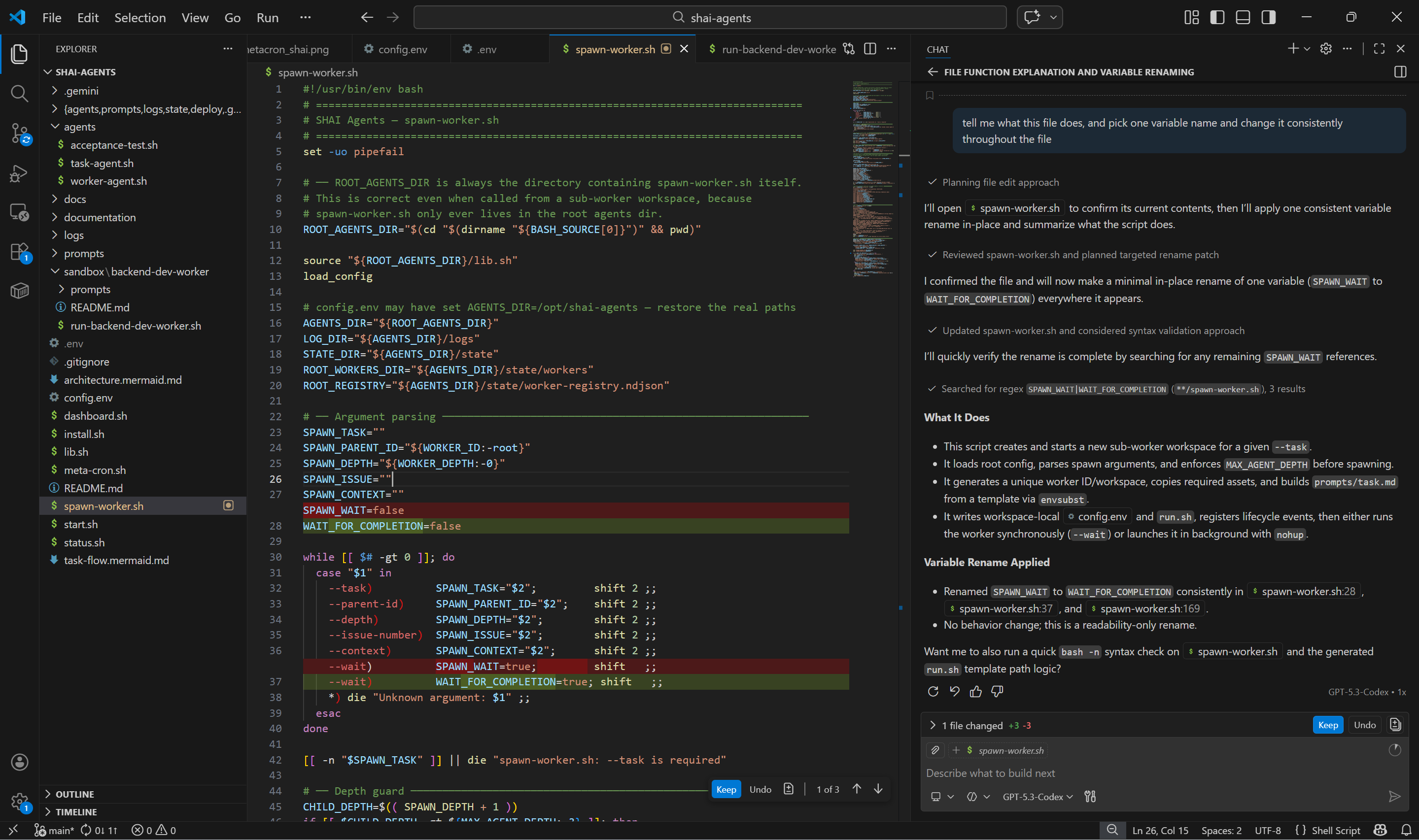
Working from the IDE interface (what you see in all of the screenshots above) has the benefit that you still see your entire filesystem, what is being changed, and you can stay as much as possible in the loop while working together with your agent.
As LLMs and agents were getting better and better throughout 2025, I did stick with using the IDE interface, and never really used the command line to interact with the agents too much. I think the reason was that I wanted to stay in the loop as much as possible, and make sure the output (especially when working on production code), stays as well structured as possible.
Of course I did a load of vibe coding projects for fun. But my philosophy was always to stay in the loop with the agent, and work on things together. In the command line interface you don't see what's going on in the files, so I always considered it a bit 'less practical'.
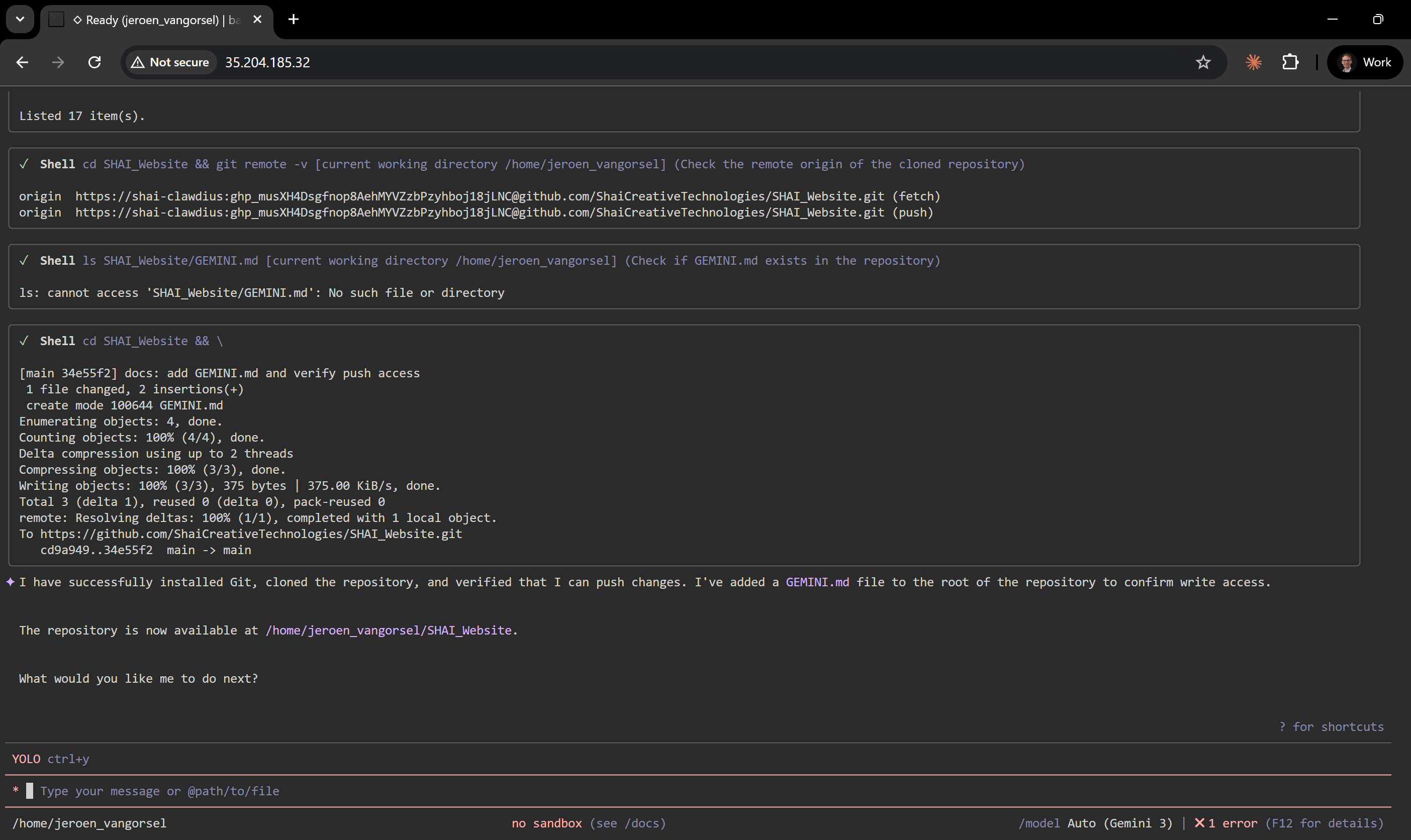
But playing around with OpenClaw really opened my eyes to the possibilities of using agents in the CLI, and how this is now unlocking a whole new area of possibilities.
Because in the past I was always working with an agent on my own laptop, I never wanted to run anything in --yolo mode (with permissions to install and run other programmes, and touch everything). So while working on files together with my agent, I would always give him permission to make changes.
When playing around with OpenClaw I of course didn't want it to have access to my own laptop. So I installed OpenClaw on an empty Ubuntu machine. Because it had its own empty PC, there was all of a sudden a way lower threshold for me to run OpenClaw, or the Gemini CLI (or ClaudeCode, or Codex) in full yolo mode directly on this empty Ubuntu machine.
Instead of working with them together on files, I might as well talk to them as if I'm chatting with someone on whatsapp, and for example give them the credentials to a GitHub account that I set up for them through the chat input.
The result is true vibecoding. I now have different PCs running that I can basically talk to, and tell them what I want them to do. If I want them to work on software for me, I can tell them which git repository to work on, which branch to clone, what feature to work on, and they will just do it and push any changes for me to review and approve.
Rather that being 'in the loop' and working on files 'together' with your agent, I can now walk around between PCs telling them what they should be doing.
This weekend we then decided to run a new experiment at SHAI, very much based on OpenClaw:
We are now writing batch scripts that kick off these CLI workers to do a certain task. And then set up cron jobs that will trigger these general tasks at regular intervals. Basically creating a collection of PCs that work for us like a team. We will post about our progress soon!